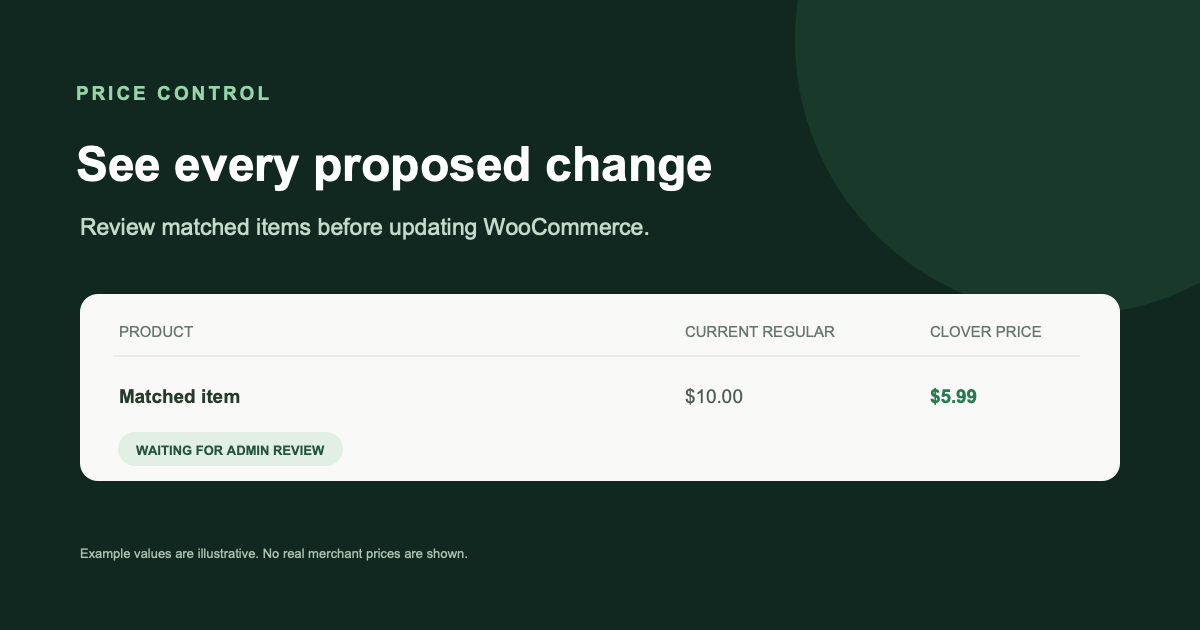
Price review
Inspect exact matches and proposed prices before applying. Choose whether WooCommerce sale prices should be preserved or cleared during a confirmed price sync.
WOOCOMMERCE INVENTORY WORKFLOW
Match inventory, preview price changes, protect selected categories, and apply changes only after an administrator reviews them.
$29.99 USD
Get QB Clover Inventory SyncCheckout and digital delivery are handled by Gumroad.
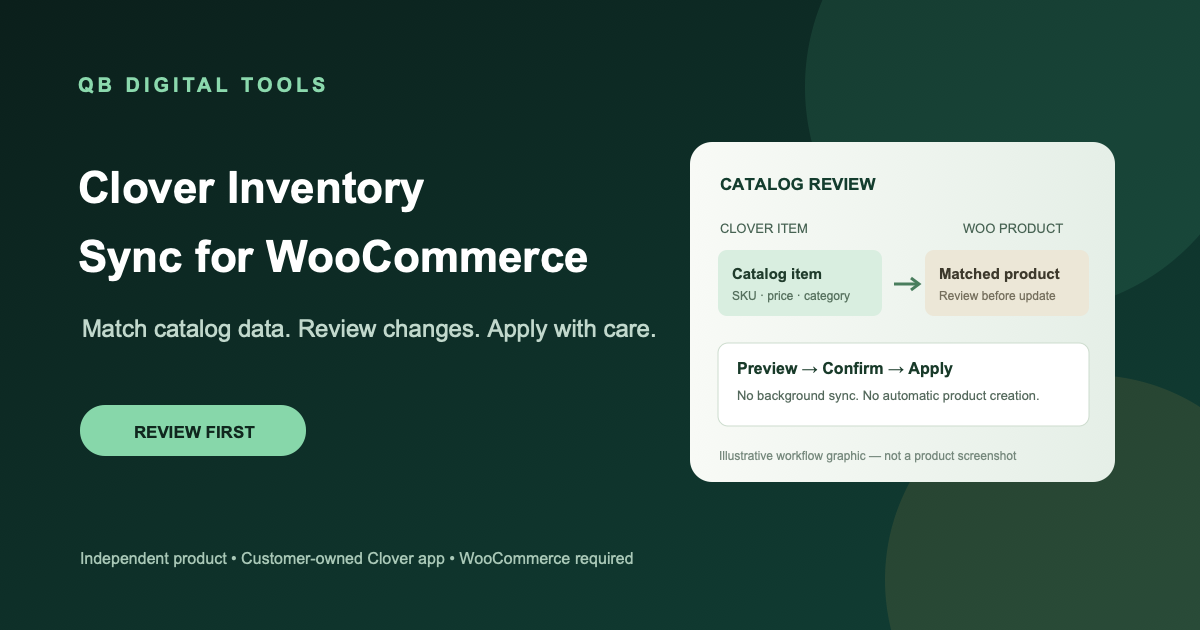
REVIEW FIRST
Connect a Clover developer app and merchant account that you control. Clover catalog data is read by the plugin, and WooCommerce changes are applied locally only through an explicit review and confirmation flow. There is no scheduled background sync and no automatic product creation.
Inspect exact matches and proposed prices before applying. Choose whether WooCommerce sale prices should be preserved or cleared during a confirmed price sync.
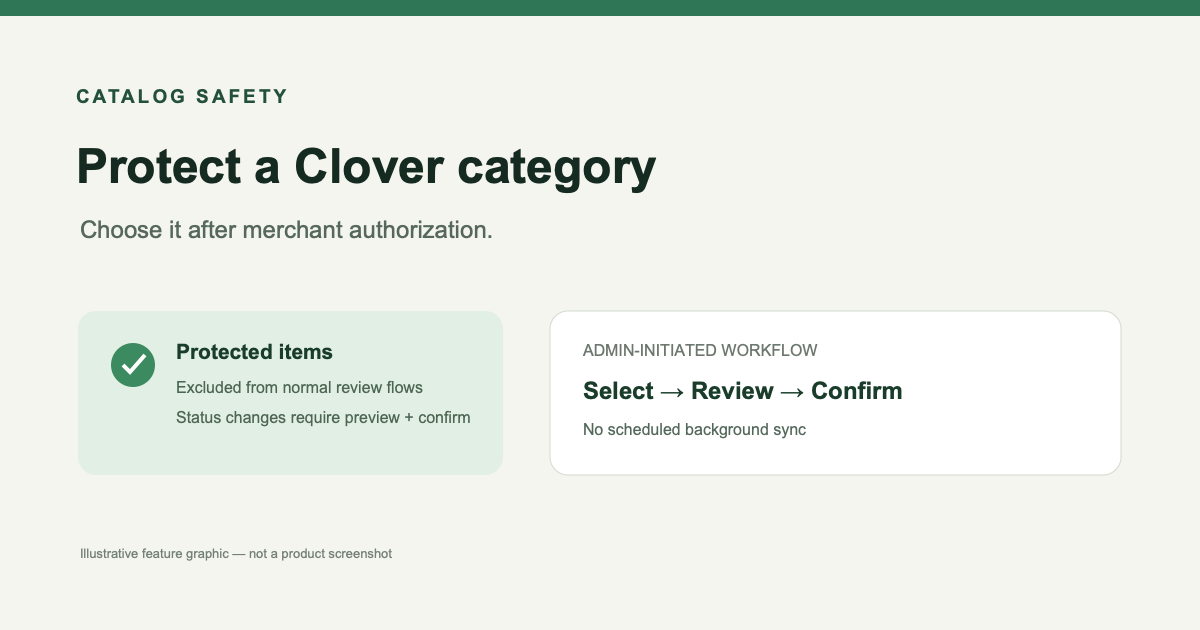
Choose a Clover category after connecting. Its items are excluded from normal listing and price-review flows; protected-category drafting requires a separate preview and confirmation.
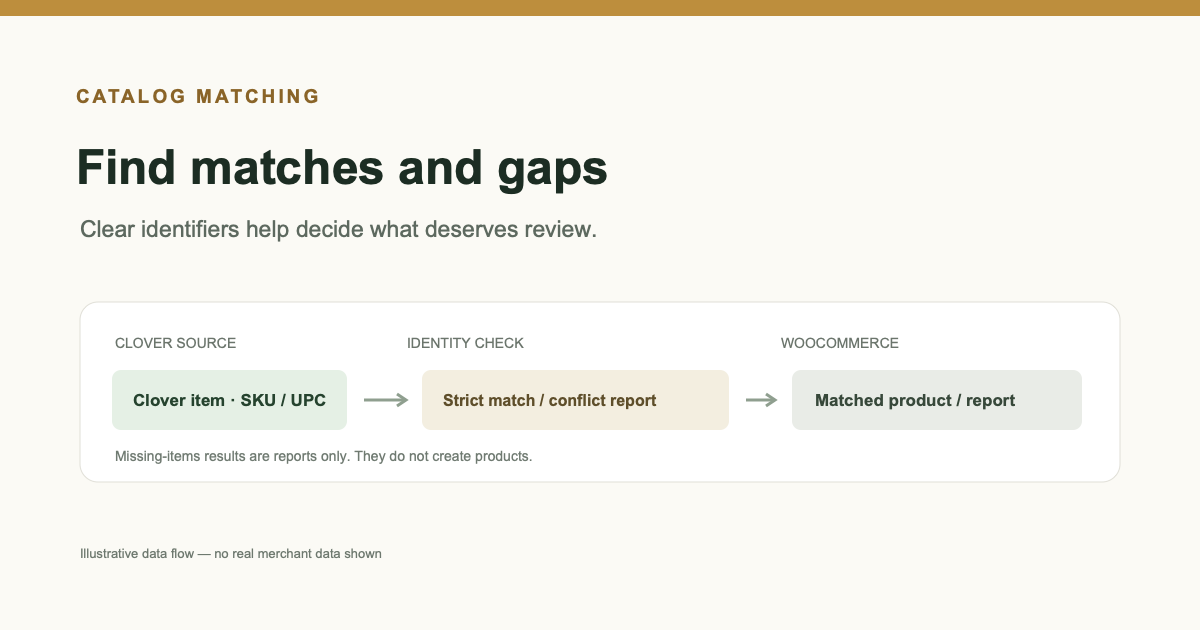
Use Clover item links, product code to WooCommerce GTIN, and a constrained SKU fallback. Missing items are reported, not created automatically.
CUSTOMER-OWNED CONNECTION
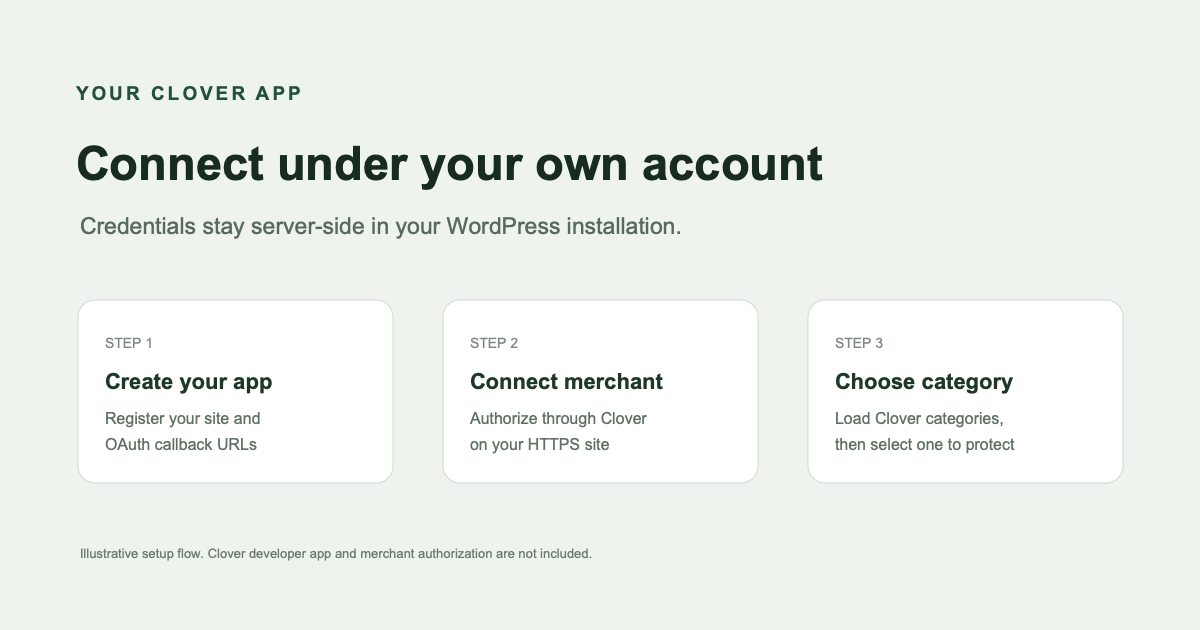
You configure the Clover developer app, merchant authorization, and HTTPS callback for your store. The plugin does not include a Clover account, merchant approval, or credentials.
App Client Secret and OAuth tokens are stored in this site's WordPress database with autoload disabled. They are masked in settings but not encrypted by this plugin. Protect database access and backups.
WordPress 7.1.4 · PHP 8.4.27 · WooCommerce 11.3.0 · MySQL 8.0.46
Other combinations have not been tested; this is not a minimum-version guarantee. Clover sandbox/production OAuth and inventory behavior were tested with mocked responses only. No live merchant account was used.
No. It does not process payments. It reads Clover catalog data for review against a WooCommerce catalog.
No. The available sync actions are administrator-initiated. The missing-items report does not create WooCommerce products. Review the preview before applying a change.
Your own developer app Client ID and Client Secret, a configured HTTPS Site URL/Alternate Launch Path/redirect URI, the app's inventory permissions, and merchant authorization. Clover account/app requirements are outside this plugin.
Technical setup assistance is available at o.hakangoker@gmail.com; custom development and unrelated WordPress work are outside scope. Refund terms will be shown by Gumroad at checkout. This preview makes no separate refund promise.
Use your own Clover developer app and WooCommerce store. Review proposed changes in WordPress before applying them.
Get the plugin — $29.99 USD